Objective
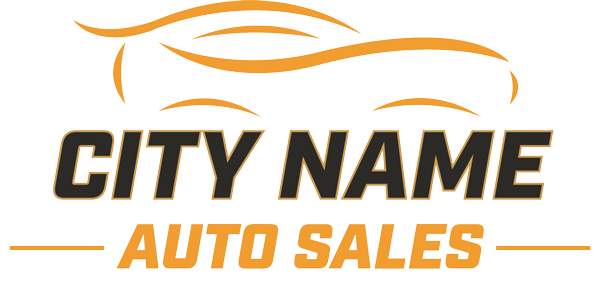
Car dealership logo that showcases skills in colors, typography, and brand identity. This was created for a car dealership that was in need of a new logo redesign and one that would be used for advertising.
Process
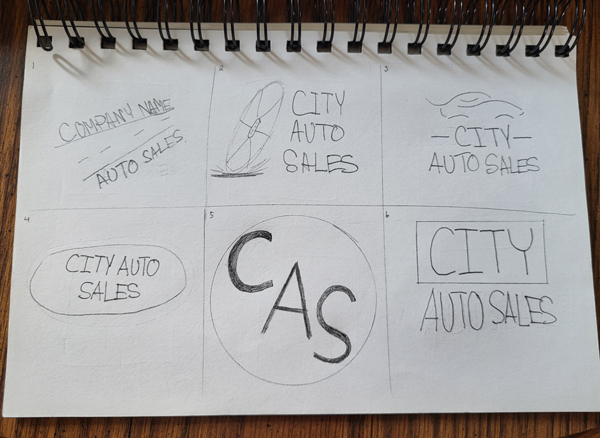
Step 1: This was a bigger project, so sketches were needed to help steer this project in the right direction. First, sketches were made on paper to determine the look and layout of the logo.
Step 2: After determining the layout from the sketches, I recreated them in Adobe Illustrator using the Pen tool. After drawing out the car icon using this tool, I added typography and picked a font that suites well in the car industry.
Step 3: Finally, I added color to this logo using a bright orange and a darker gray to complete the look. These bright colors were purposely use to help the logo stick out from farther away, as the sign would be used outside the dealership to attract customers. Additionally, it would be used for advertising online.
Step 4: The final tweaks were applied by using the pen tool to smooth out the edges of the car graphic, and strokes were added to the typography to enhance the visibility of the text.
Final Deliverable