Objective
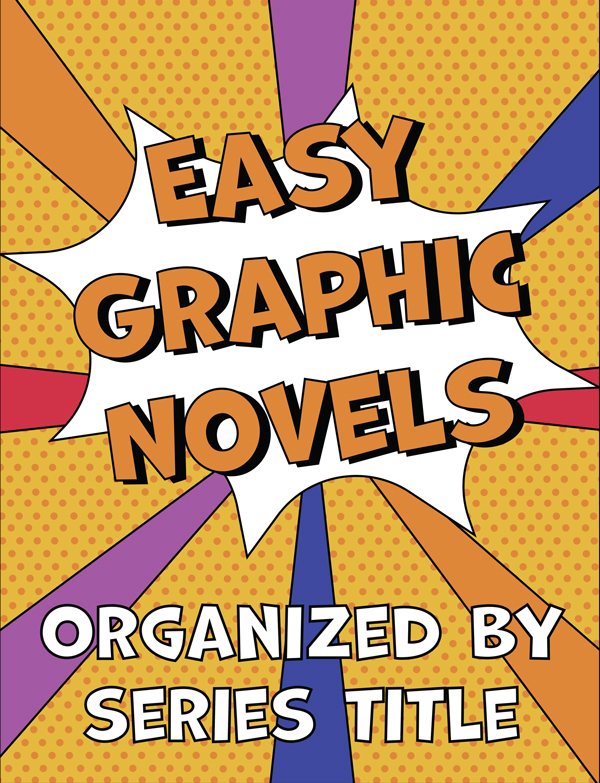
A local library was in need of library book displays that captured the attention of younger children, so colorful signs were needed to ensure their new books will be noticed by these younger teenagers and kids.
Process
Step 1: First, the dimensions of the signs were applied in Adobe Illustrator. Next, placeholder text was added to make sure there would be room for the text.
Step 2: Next, the shapes were added using the shape tool in Illustrator and the graphics were created using the Pen tool. The colors were then added to match the theme of kids books.
Step 3: Lastly, the text and appropriate fonts were added, helping with both readability and legibility, as well as making it easier for the younger audiences to notice these signs and be interested in them.
Final Deliverables