Objective
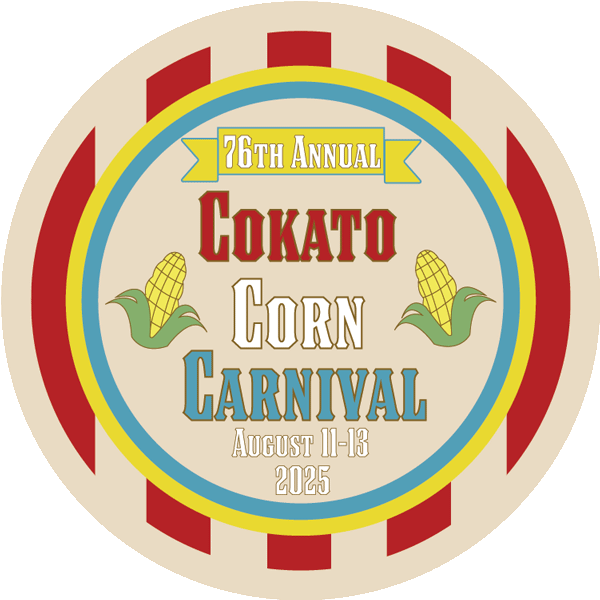
The town of Cokato, Minnesota, hosts an event called the Cokato Corn Carnival, which occurs every year and has a long history dating back to the 1950s. A button design was needed to promote their event and for apparel sold during the event.
Process
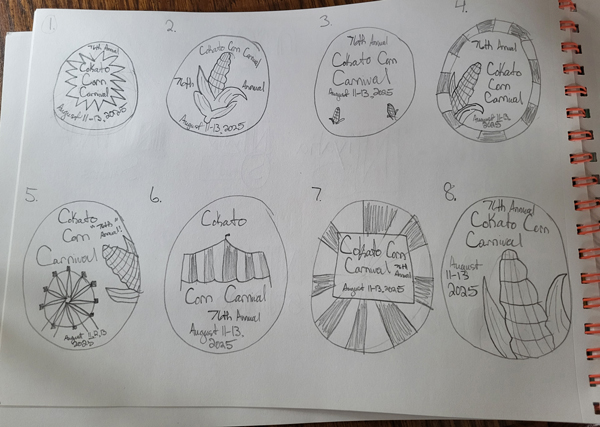
Step 1: First, sketches were created to allow the design process to go much quicker and to make sure the direction of the project was clear.
Step 2: Next, the dimensions were applied in Adobe Illustrator to allow for the button to be printed at the correct size, and the print mode was set to CYMK to ensure the proper color was implemented on the physical button.
Step 3: The graphics were all added using Illustrator’s Pen tool. Once these were created, the typography was added to satisfy the required information needed to be displayed on the button. The typography was also analyzed to ensure readability and legibility from afar.
Final Deliverable